

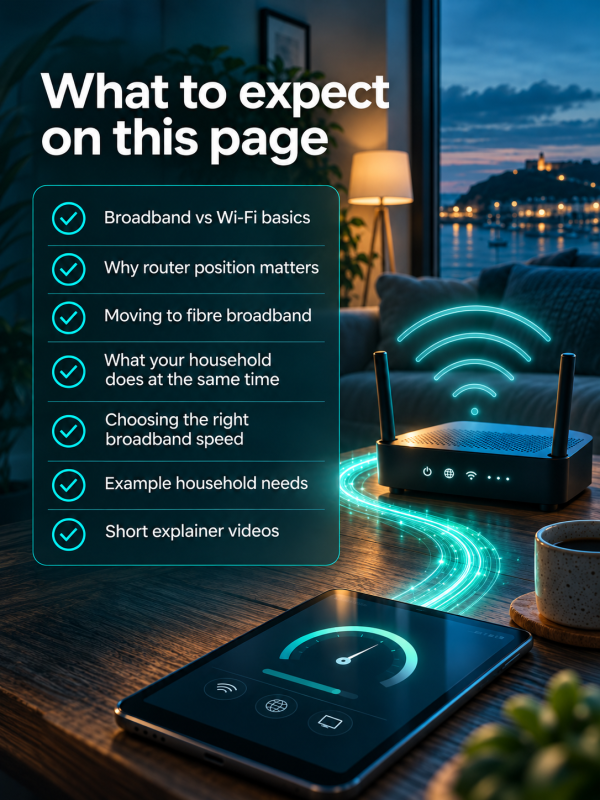
Guidance on broadband speeds
Broadband speeds can feel more complicated than they need to be. In reality, the right speed for your home depends on how you use the internet and, in particular, what people are doing at the same time during the busiest parts of the day.
This guide looks at the different ways households use their broadband, how activities such as streaming, video calls, gaming and large downloads can add to the demand on your connection, and why simply having more people or devices does not automatically mean you need the fastest package available.
You’ll also find example household profiles and a broadband speed calculator to help you get a better idea of the level of service that may suit your needs.
The aim is simple: to help you understand how much broadband capacity your household is likely to need, so you can choose a suitable package without automatically paying for more speed than you are likely to use.
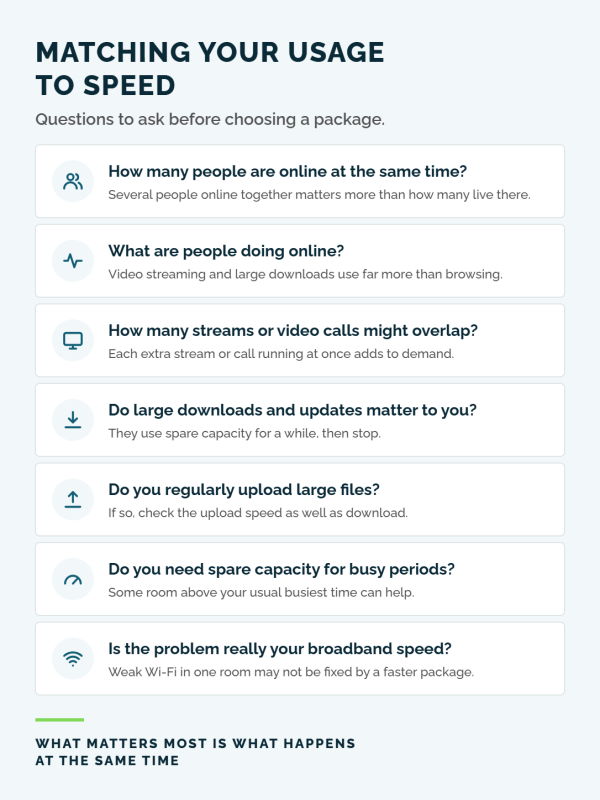
Matching your usage to speed
The right broadband speed depends less on how many devices you own and more on what people in your home are doing at the same time.
A household can have lots of connected devices but relatively modest needs if only a few are being actively used, while a smaller household can create much more demand when several high-use activities overlap.
The examples shown here are a useful starting point, but every household is different. Before choosing a faster package, think about your busiest periods and whether you actually need more capacity.
How many people are using the internet at the same time?
The number of people in the home matters most when several of them are online at the same time. One person streaming while another joins a video call and someone else starts a large download creates much more demand than those same activities happening separately.
Think about your household's busiest time of day rather than its average use. That peak period is usually a better guide to the broadband capacity you actually need.
What are people doing online?
Different activities use very different amounts of your broadband connection. Browsing, messaging and voice calls generally use relatively little, while high-quality video streaming, large downloads and cloud-based activity can use much more.
It is therefore possible for a household with several people browsing or messaging to need less capacity than a smaller household with several high-quality video streams running at once. Focus on the type of activity, not simply the number of connected devices.
How many streams or video calls might overlap?
Streaming television and video calls use the connection continuously while they are running. One stream or call is unlikely to place the same demand on the connection as several happening at the same time across different rooms.
If your household regularly has multiple televisions streaming while people are also working, studying or making video calls, having some additional capacity can help maintain a consistent experience. If these activities rarely overlap, you will not need as much.
Do large downloads and updates matter to you?
Large game downloads, software updates, cloud backups and other file transfers can temporarily use a large amount of available capacity. A faster broadband package can make these finish sooner, but they do not usually use that capacity all day.
Consider how often large downloads happen and how important their completion time is to you. If you are happy for a download to take a little longer, it may not justify moving to a significantly faster package on its own.
Do you regularly upload large files?
Download speed gets most of the attention, but some households also send significant amounts of data out of the home. Video calls, cloud backups, uploading photographs or video, and working with large files can all make upload performance more important.
If several people regularly work from home, create content or back up large amounts of data online, check the upload performance offered by the package as well as its headline download speed.
Do you need some spare capacity for busy periods?
You do not need to use the full capacity of your broadband connection all the time. Having some spare capacity can be useful when several demanding activities unexpectedly overlap, but paying for a very large amount of unused capacity may offer little noticeable benefit.
The aim is to choose a service that comfortably handles your normal busiest periods, with a sensible amount of headroom, rather than simply choosing the fastest package available.
Is the problem really your broadband speed?
Before moving to a faster package, check whether the slowdown is actually being caused by the broadband connection. If performance is good close to the router but weaker in other parts of the home, the issue may instead be Wi-Fi coverage.
A faster broadband package will not automatically make Wi-Fi travel further through walls and floors. Testing your connection around the home can help you decide whether you need more broadband capacity or whether improving your Wi-Fi would be the better solution.
What broadband speed might your household need?
There is no single broadband speed that suits every home. What matters most is how people in your household use the internet at the same time, particularly during the busiest parts of the day.
The examples below are designed as a simple guide to help you think about your own usage. They are not fixed recommendations, and your needs may be higher or lower depending on the activities taking place, how often they overlap, and how important things like large downloads or high-quality streaming are to you.
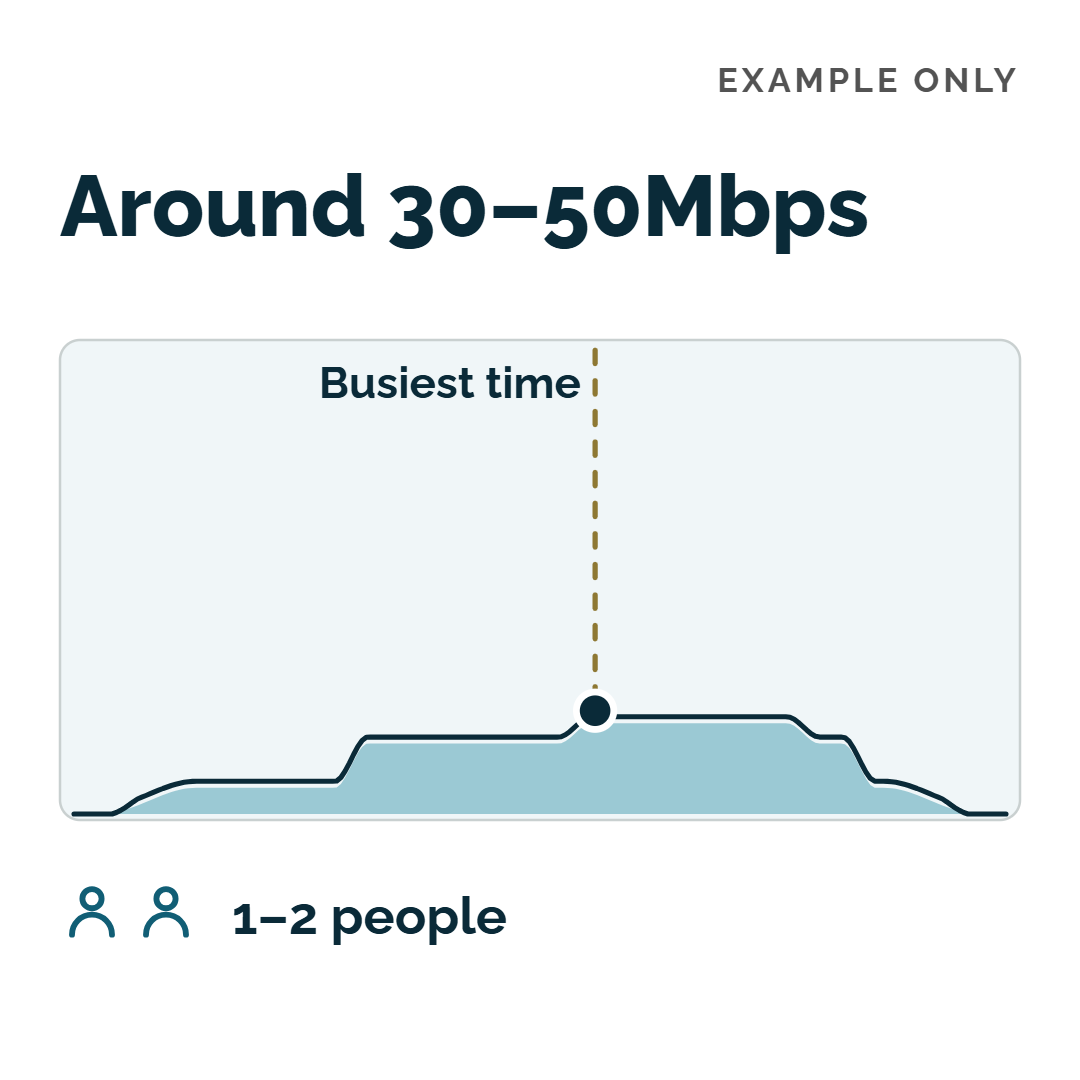 | Light-use home - around 30–50MbFor one or two people with fairly light internet use, a lower-speed broadband package may be more than enough. Browsing, messaging, music, occasional HD streaming and a video call can usually sit comfortably within this sort of range, particularly when demanding activities rarely overlap. This is only a guide. What matters most is what you are doing at the same time during your busiest periods, rather than the number of devices connected to your Wi-Fi. |
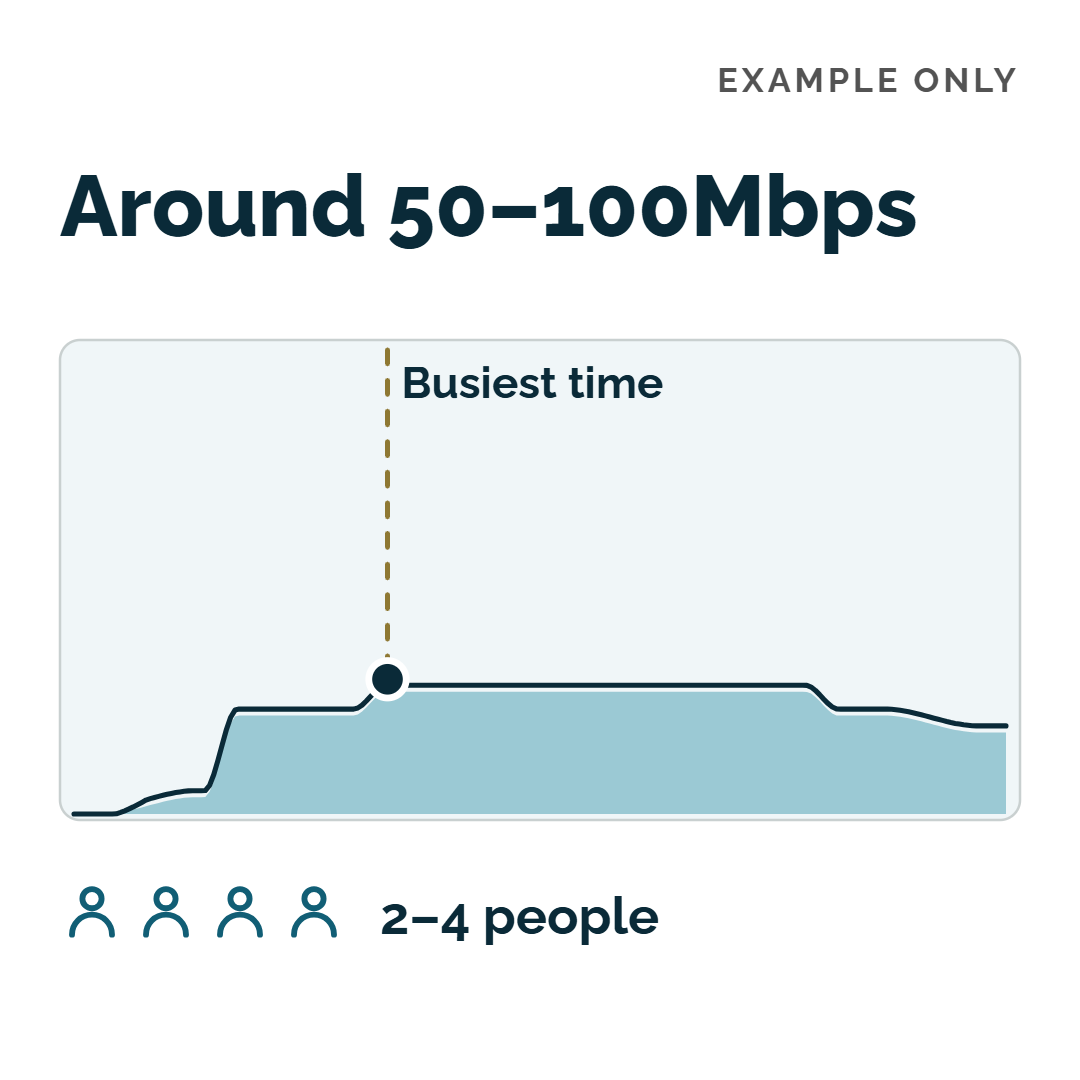 | Everyday mixed-use home - around 50-100MbFor many households, this range can provide enough capacity for a mixture of everyday activities happening at the same time. That might include streaming television, work or study video calls, browsing and other connected devices, with perhaps one 4K stream or several HD streams running alongside them. Think of this as a starting point rather than a recommendation. If your household rarely has several demanding activities happening together, you may not need as much capacity; if it regularly does, you may benefit from more. |
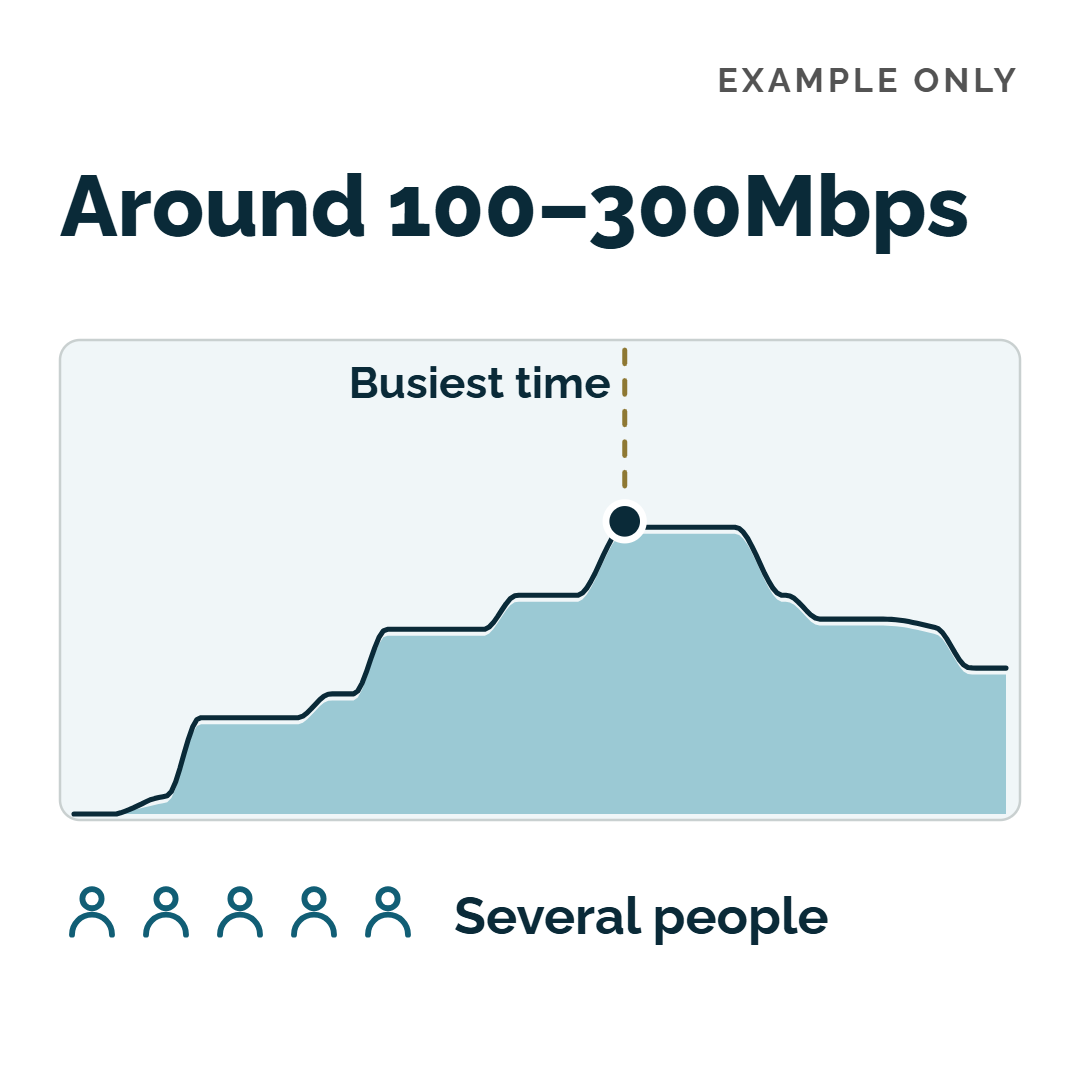 | Busy multi-user home - around 100-300MbA busier household with several people online at once may benefit from additional capacity. This can be useful when multiple high-quality streams, video calls, gaming and occasional large downloads or updates are all happening around the same time. The important word is simultaneous. A household does not necessarily need more speed simply because it has more people or devices - it depends on how much of the connection is being used during the busiest parts of the day. |
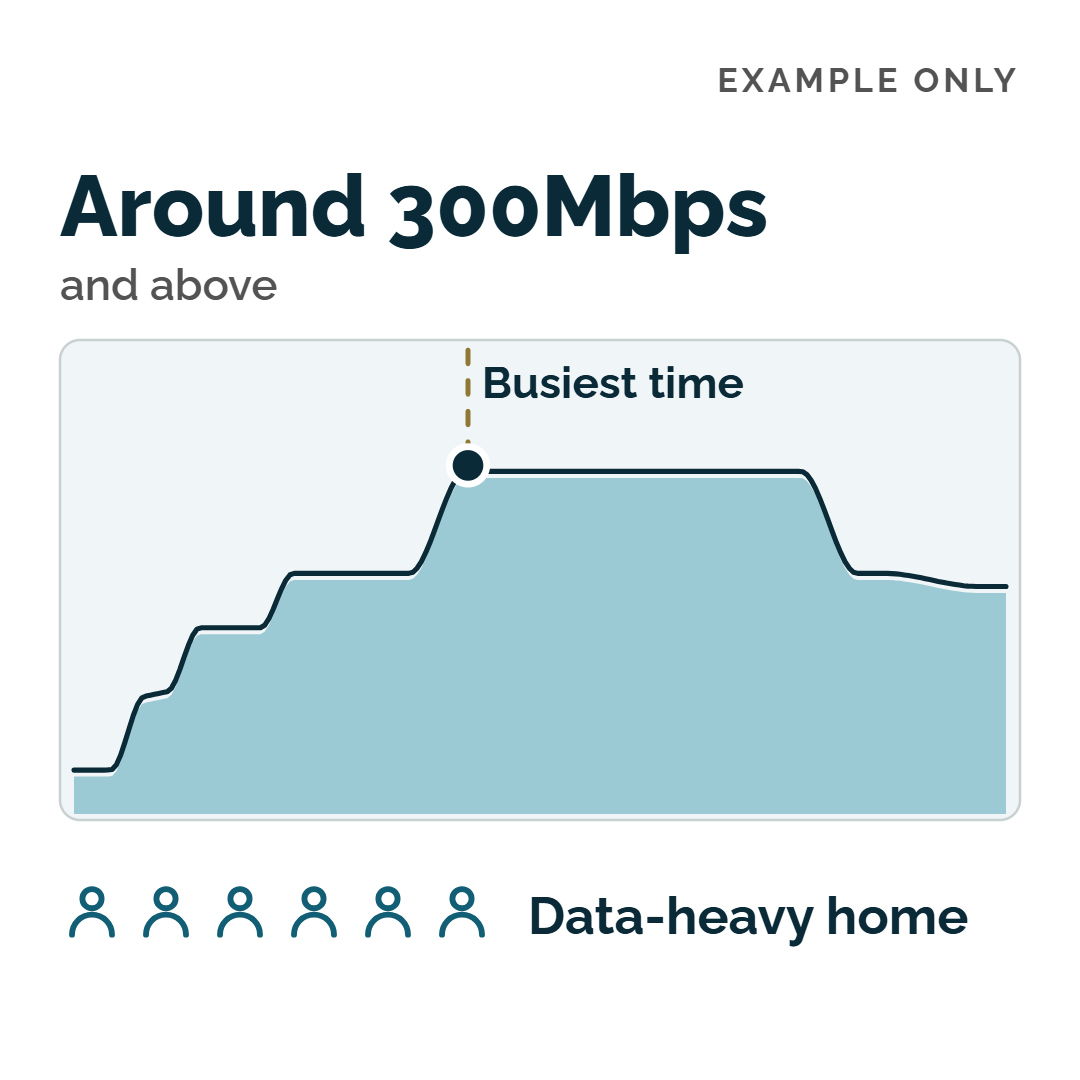 | Very high simultaneous use - around 300Mb and aboveHigher-speed packages are useful where a household regularly has several demanding activities running at the same time. This could include multiple sustained high-quality streams, frequent large downloads, cloud backups, large file transfers or other data-heavy activity overlapping for extended periods. Not every busy household will need this level of capacity. Before choosing a higher-speed package, consider whether your current connection is actually becoming stretched at peak times, or whether the issue you are experiencing could instead be Wi-Fi coverage or another part of the home network. |
Not sure what speed you need? Try the calculator
If you are still unsure which broadband speed might suit your household, an online calculator can give you a useful starting point.
The RightSpeed broadband speed calculator helps you think about how your household uses the internet and gives an indication of the level of broadband speed that may suit you. Use the result alongside the guidance on this page - particularly what your household is doing at the same time - before deciding whether you need a faster package.
Try the broadband speed calculator
The calculator is provided by RightSpeed, not the GCRA. Its results are a guide only, and the broadband packages and services available in Guernsey may differ from those shown on the RightSpeed website.